 Grok Video
How to Use Grok Video Generator
Sign in with Google or an email verification code. Choose Grok Video to start from text, or Grok Video 1.5 to animate a reference image. Adjust your settings, review the credit cost and submit your request. New accounts receive 20 trial credits on their first login.
- Subscription or credit pack
- See credits before generating
- Grok Video: 6–30s · 1.5: 1–15s
- 480p / 720p
- MP4 · PNG · JPG
- From $199.90
Trending effects
Pick a template, add your photo, get the video. No editing.
- HotRain Dance1 person · 8sUse
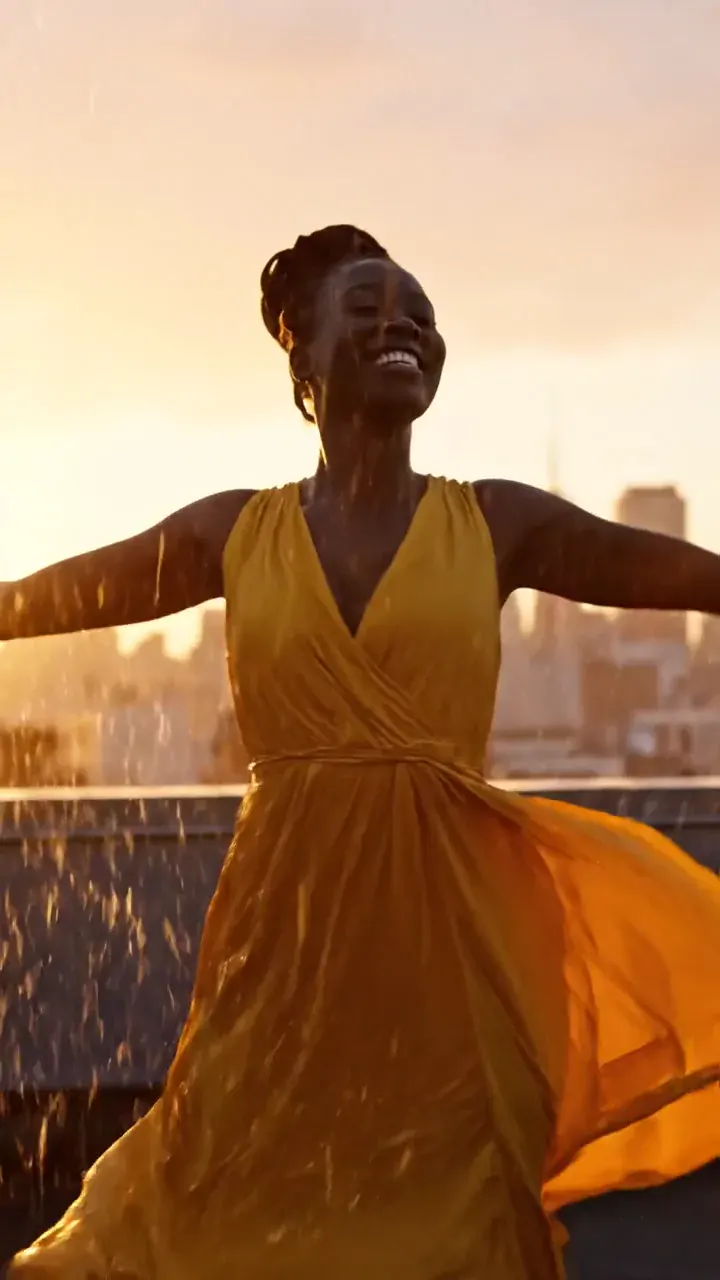
- NewBeach Party2 people · 8sUse
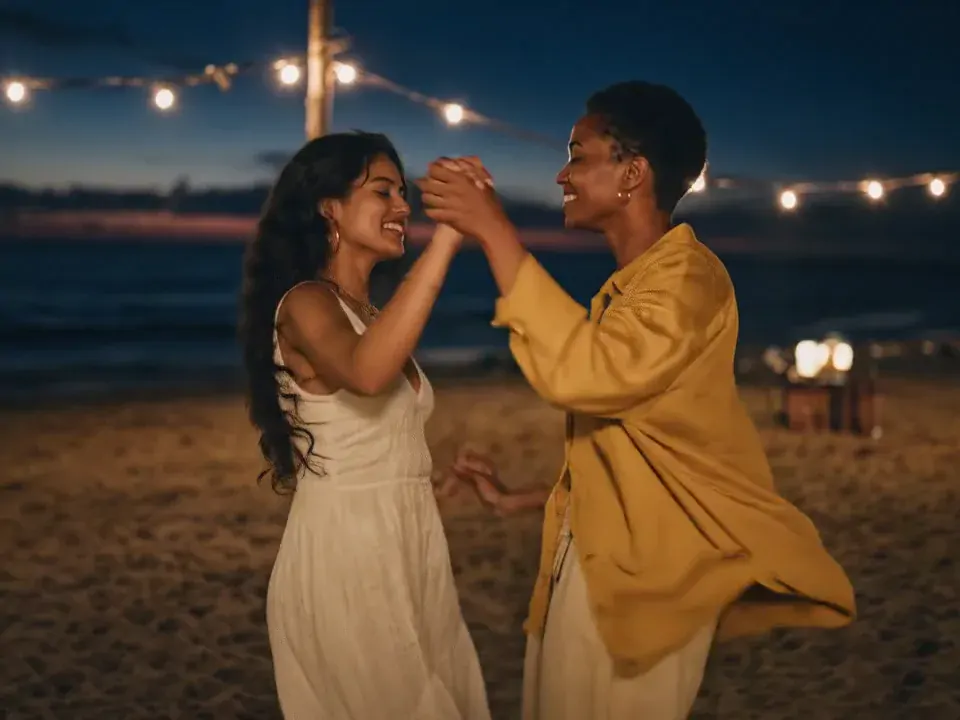
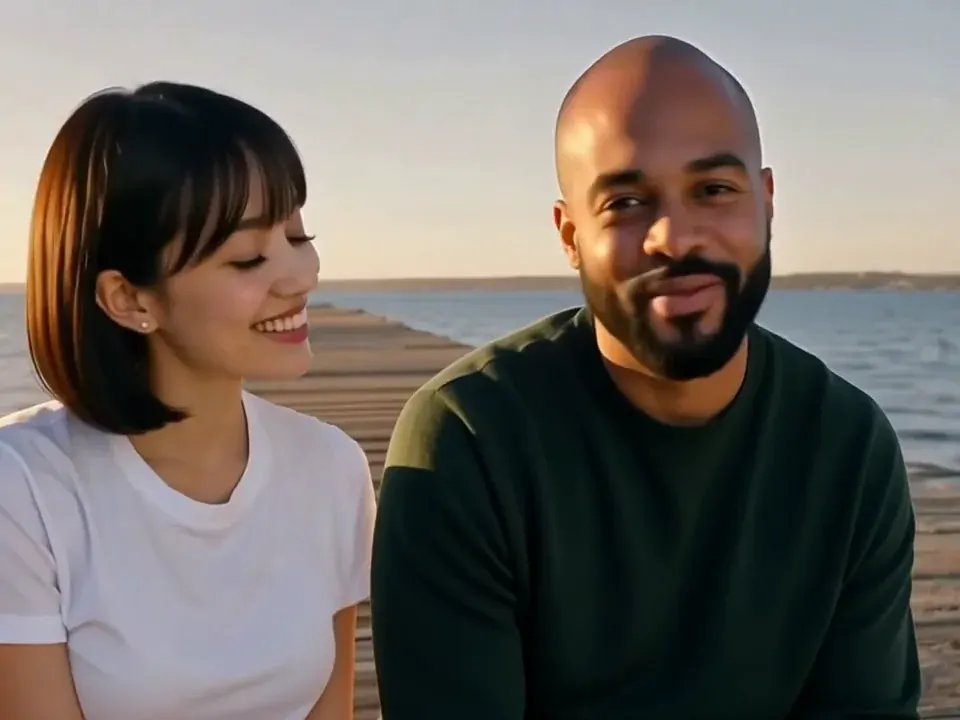
- Pier at Sunset2 people · 8sUse
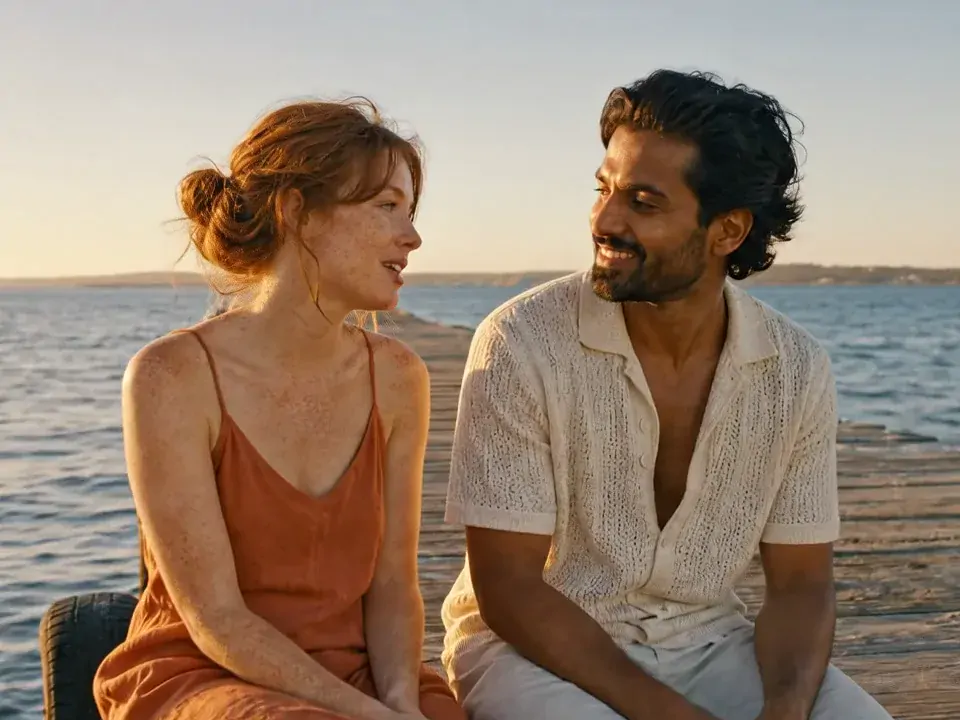
- Street Rain Dance2 people · 8sUse
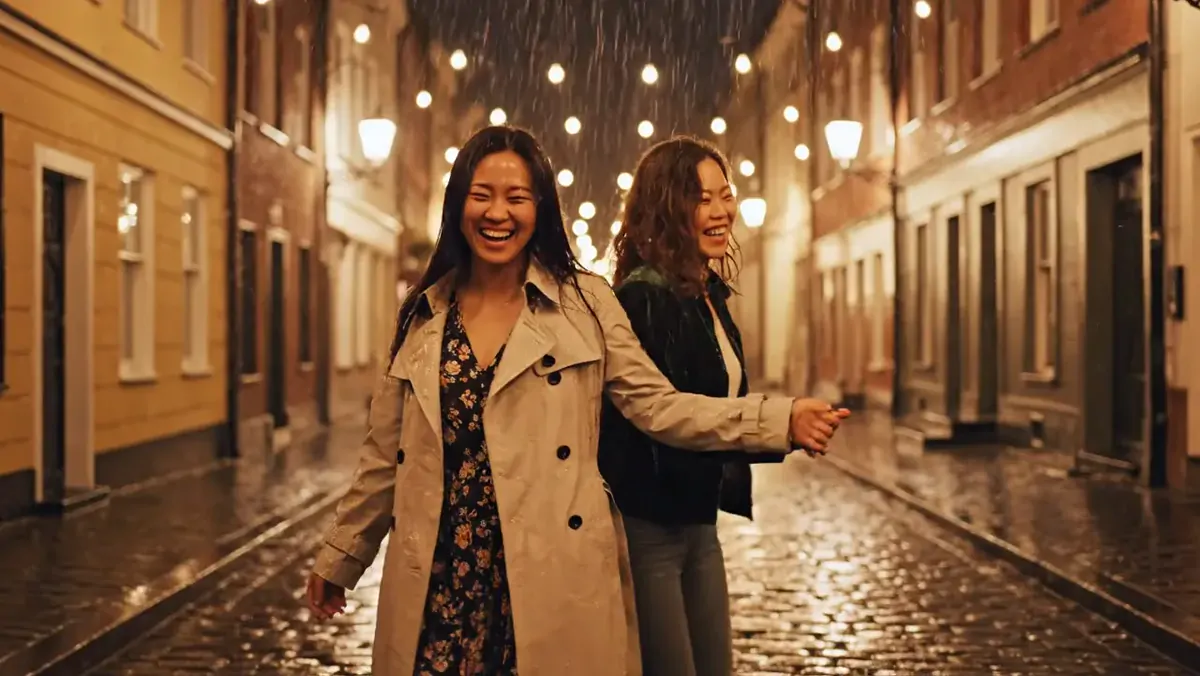
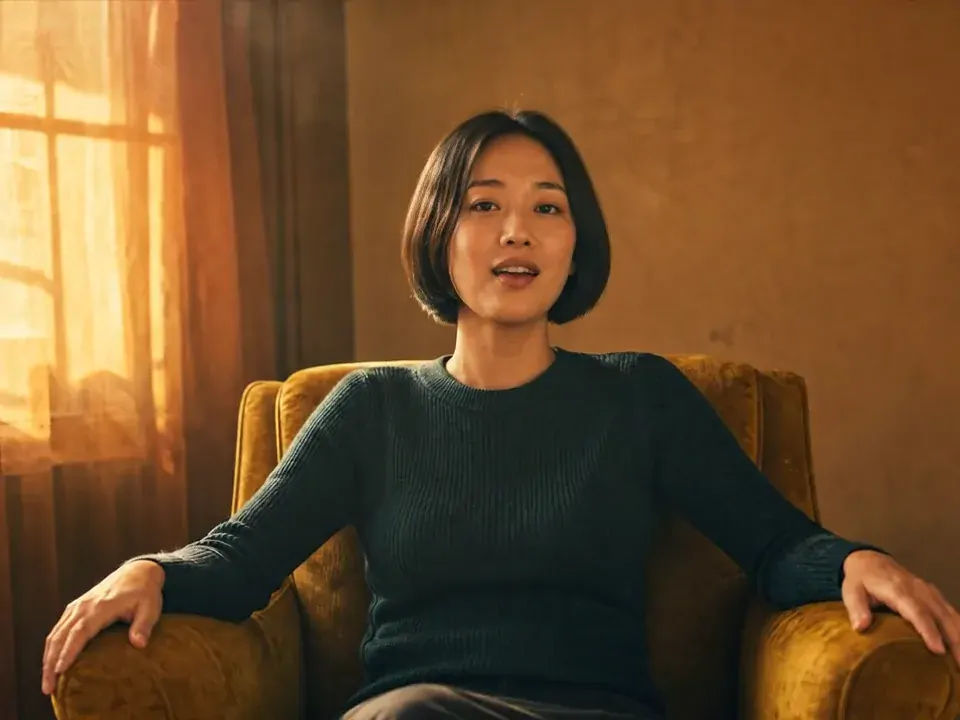
- Orange Room1 person · 6sUse
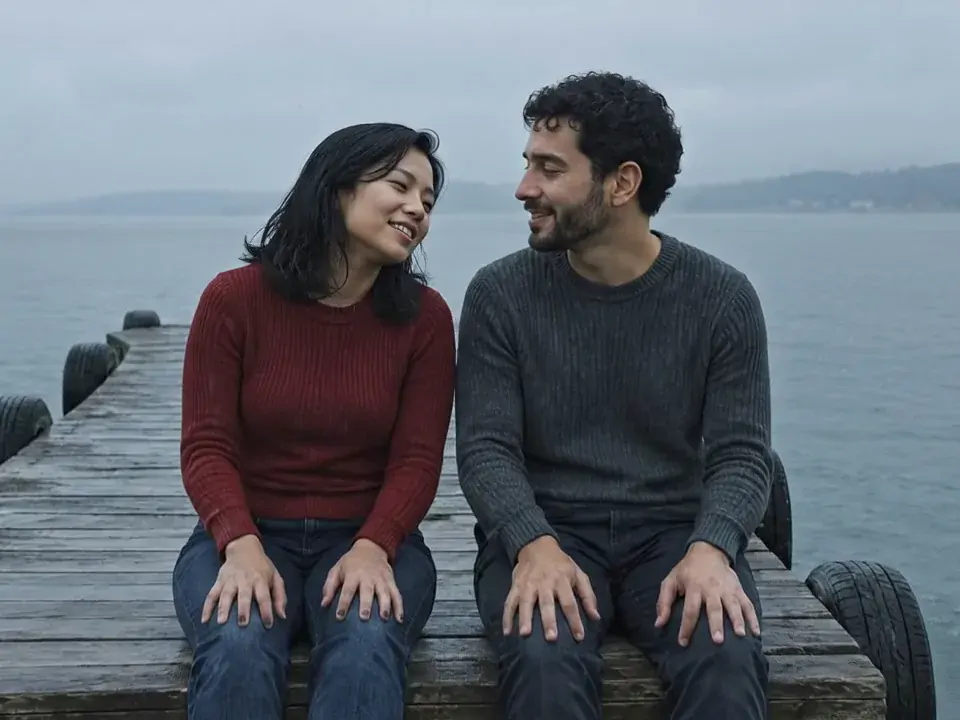
- Pier in the Rain2 people · 8sUse
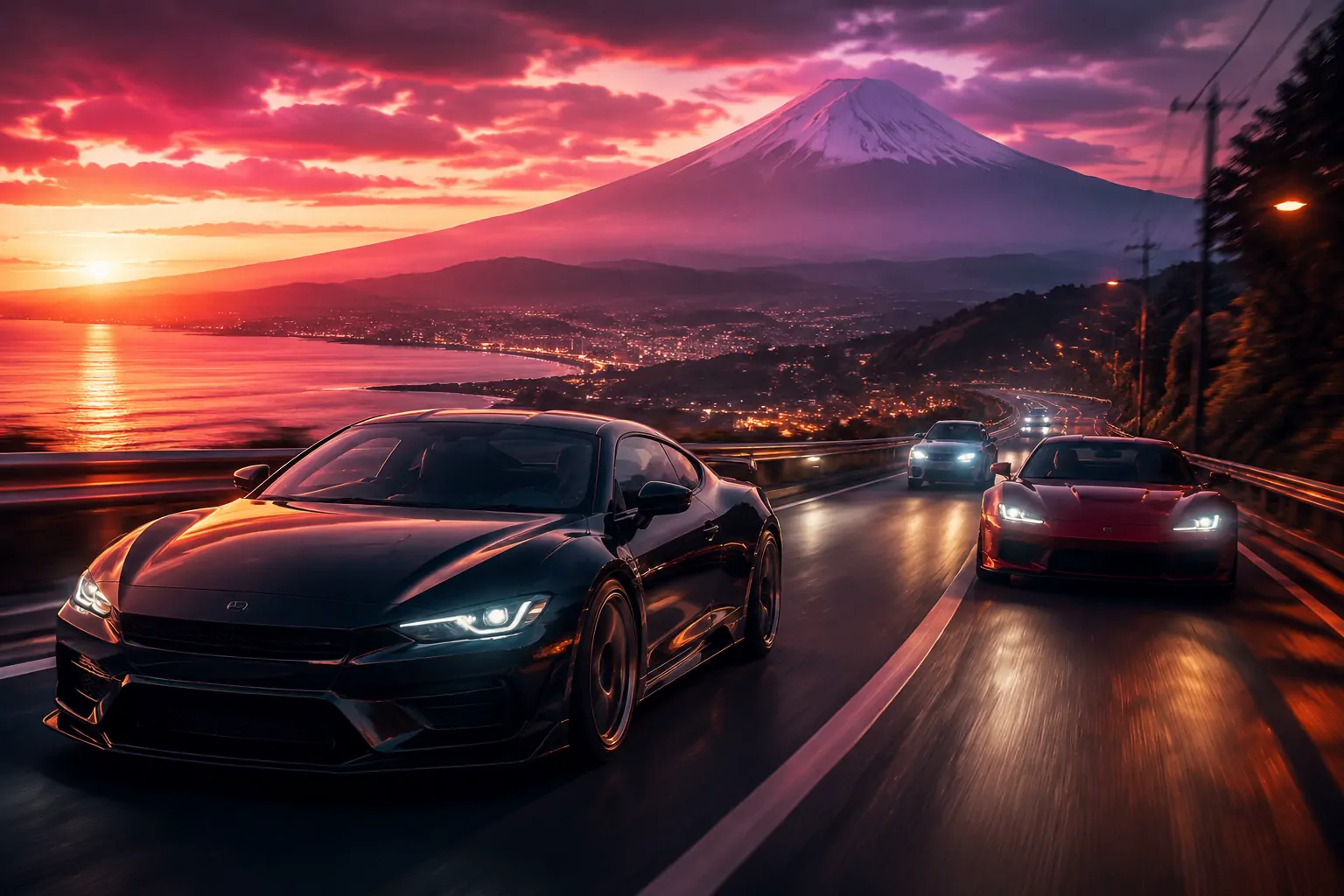
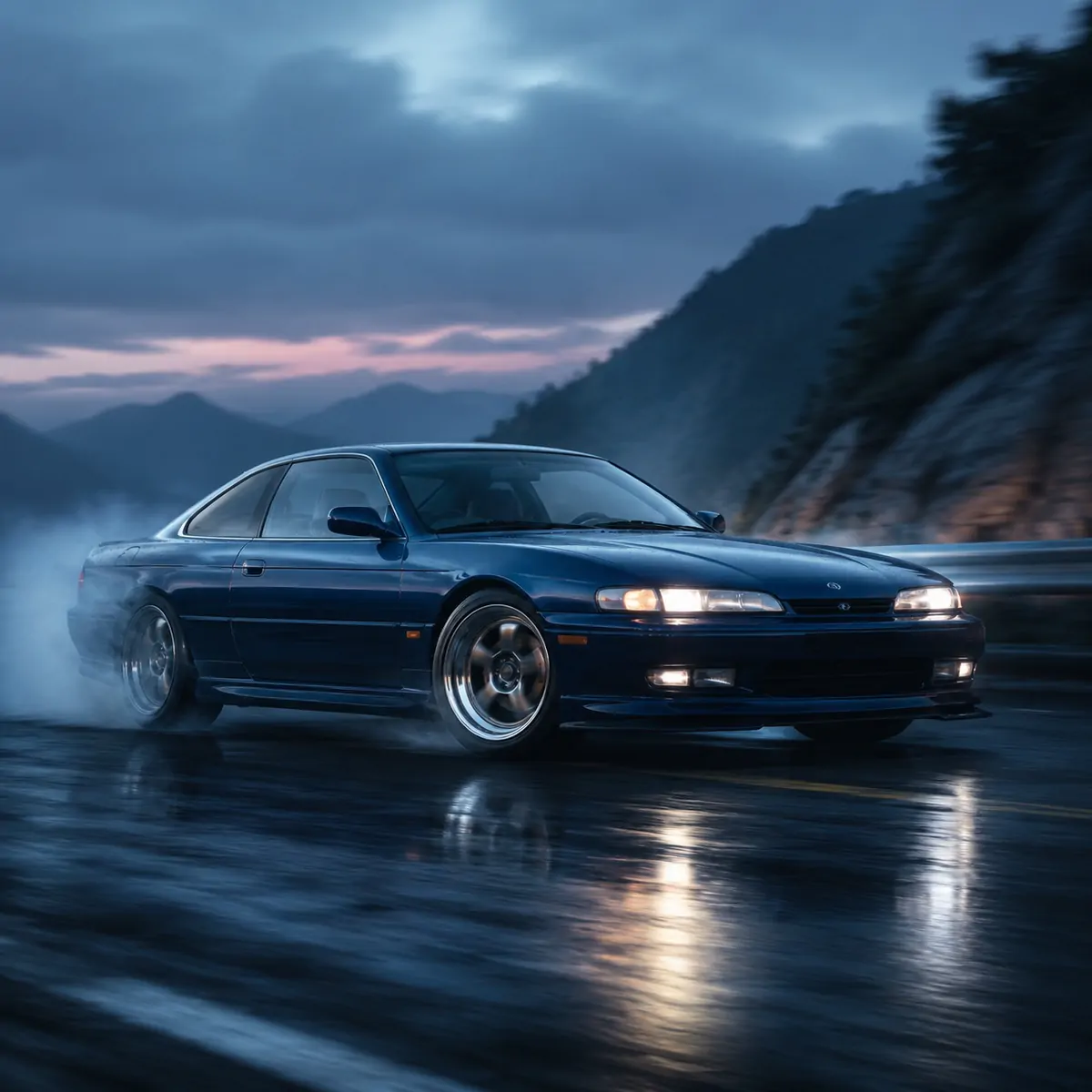
- Coastal DriveText to video · 10sUse
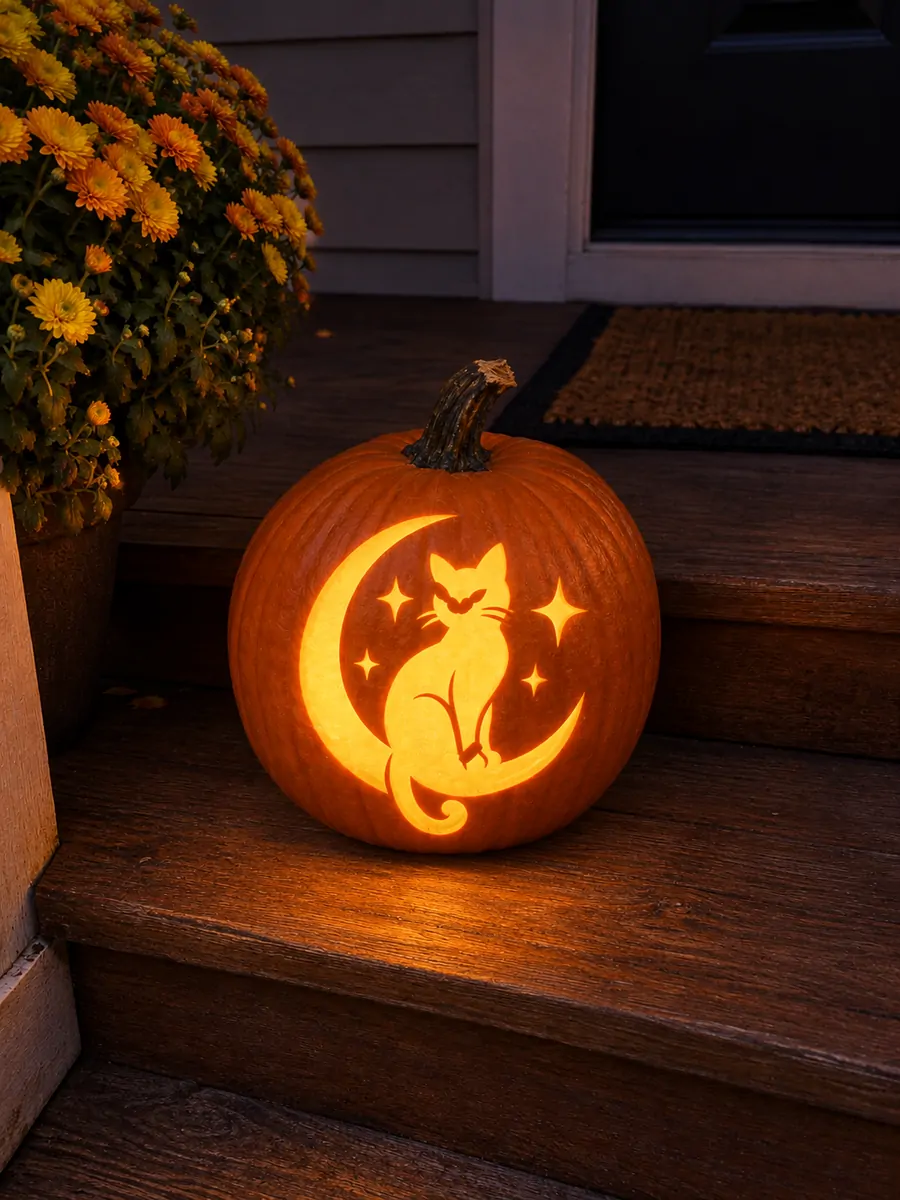
- SeasonalPumpkin CarvingPhoto effectUse
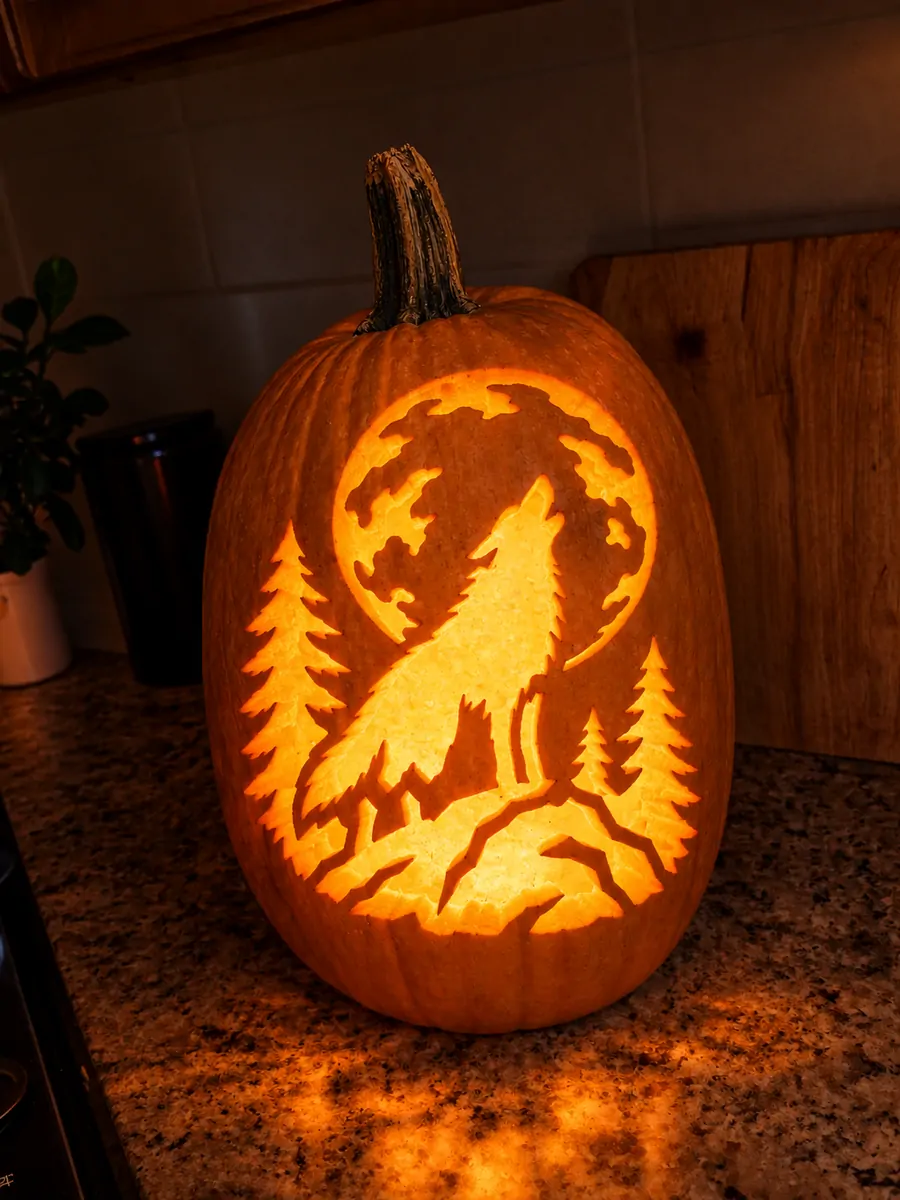
- Howling PumpkinPhoto effectUse
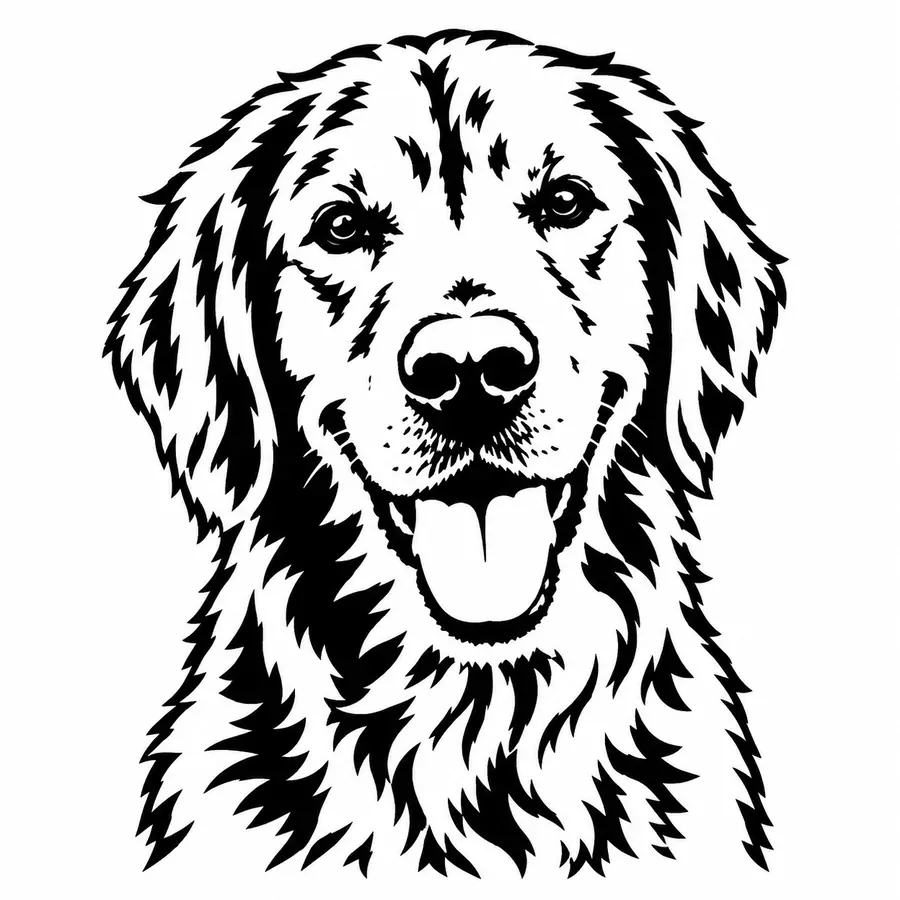
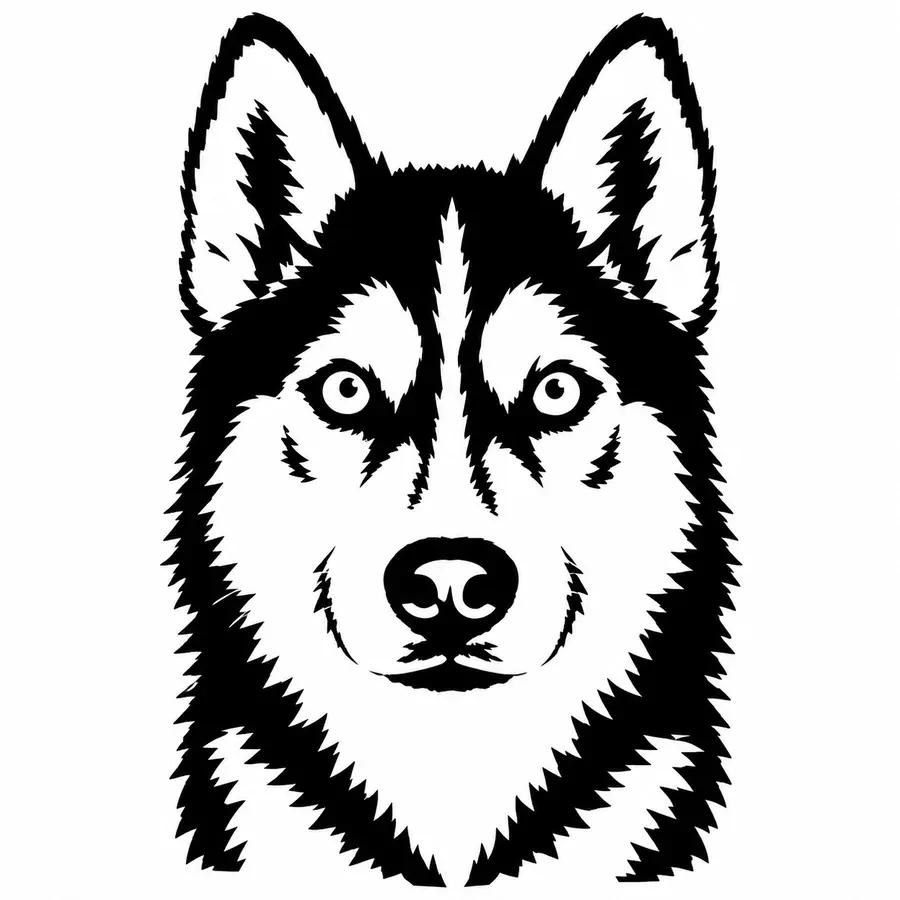
- Pet StencilPhoto effectUse
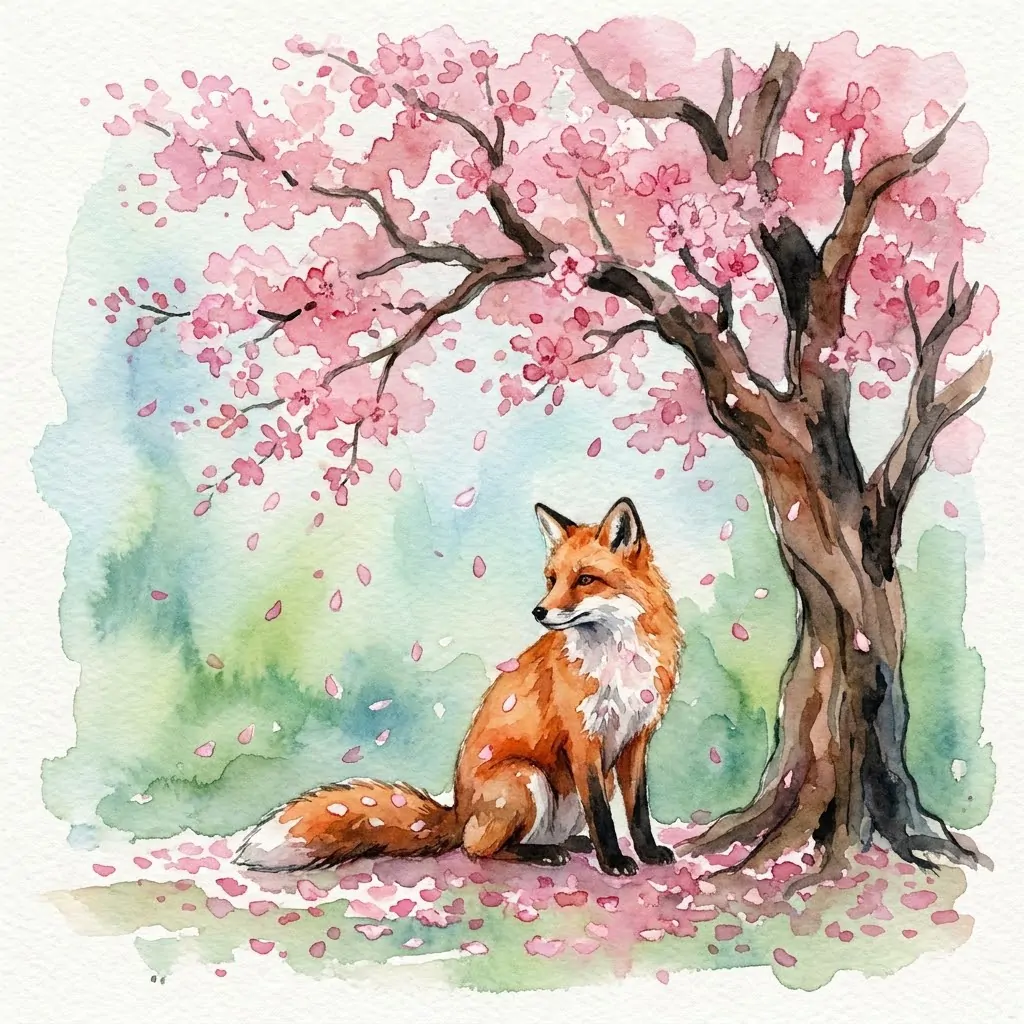
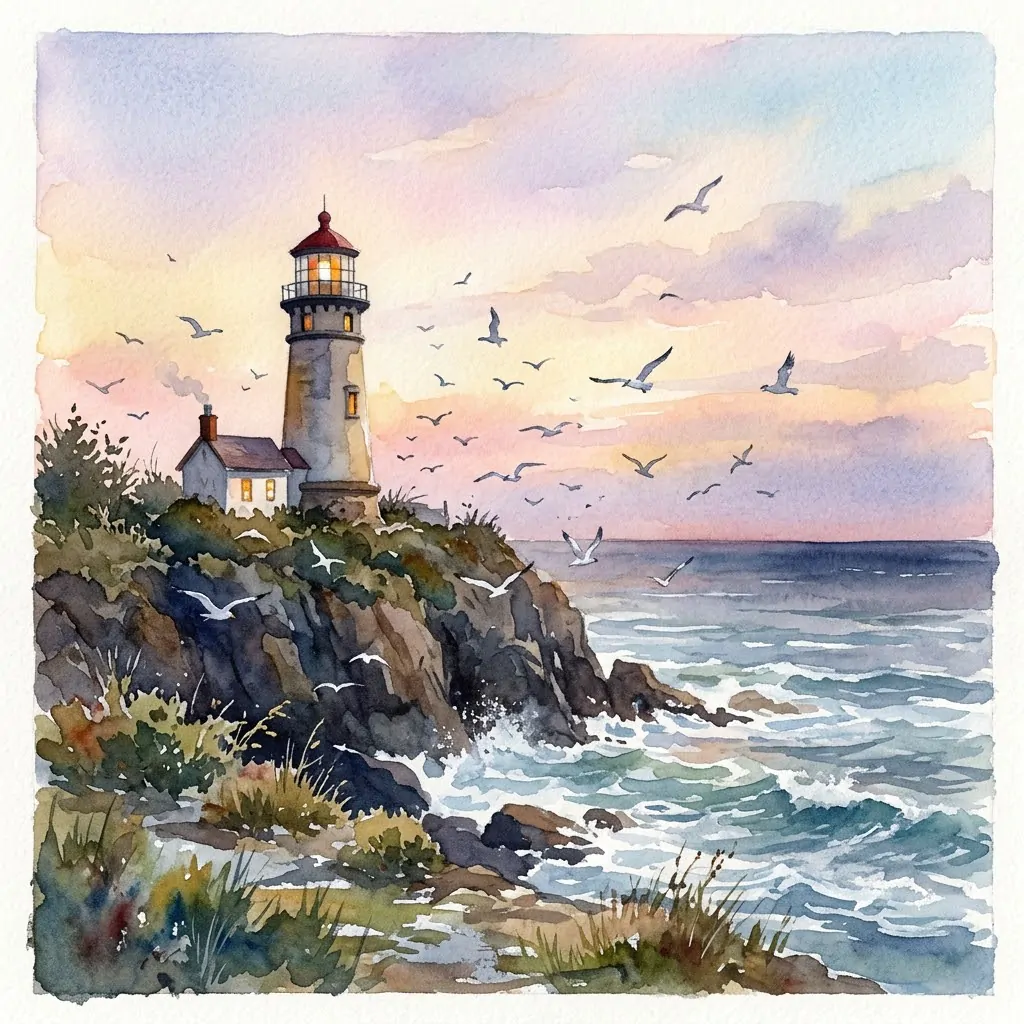
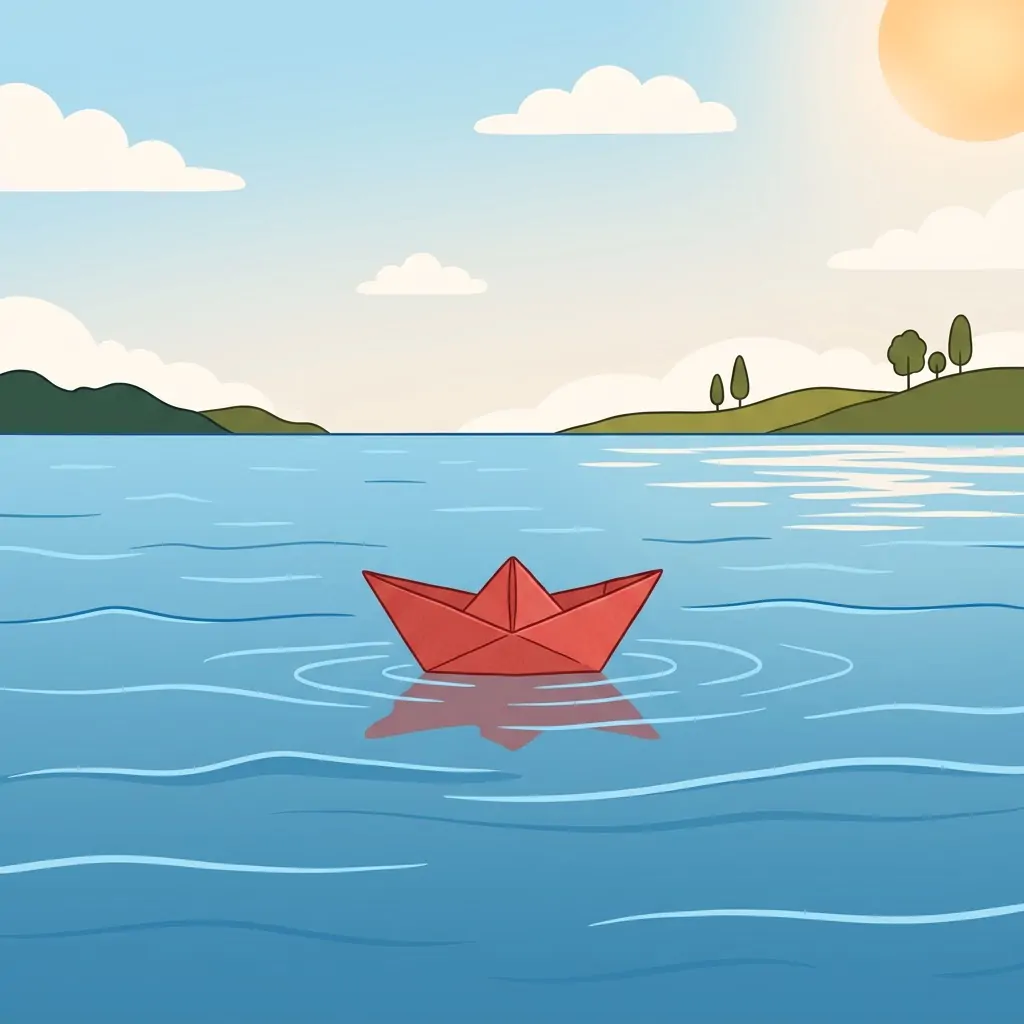
- WatercolorText to imageUse
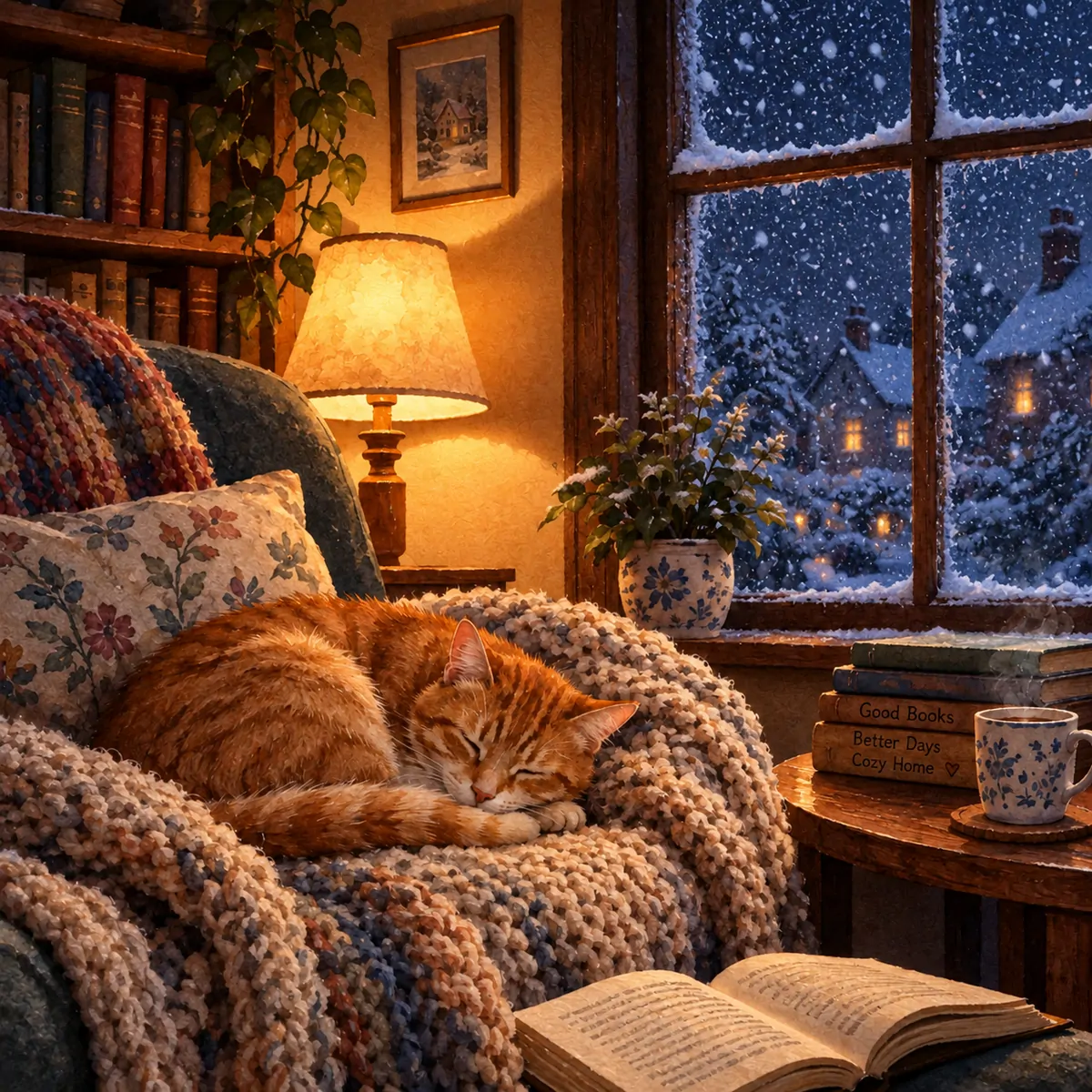
- Cozy NookText to imageUse
What you can make
One studio for the videos and images you post every week.
Choose Text-to-Video or Image-to-Video
Start with text when you want to create a scene from scratch. Add a reference image when you already have a subject or composition to work from. Describe the movement, camera angle and lighting you want to see.
How to make an AI video in three steps
Describe your scene, choose your settings and follow the generation status.
- 01
Pick an effect or write a prompt
Start from a trending template, or describe the shot in one sentence.
 02
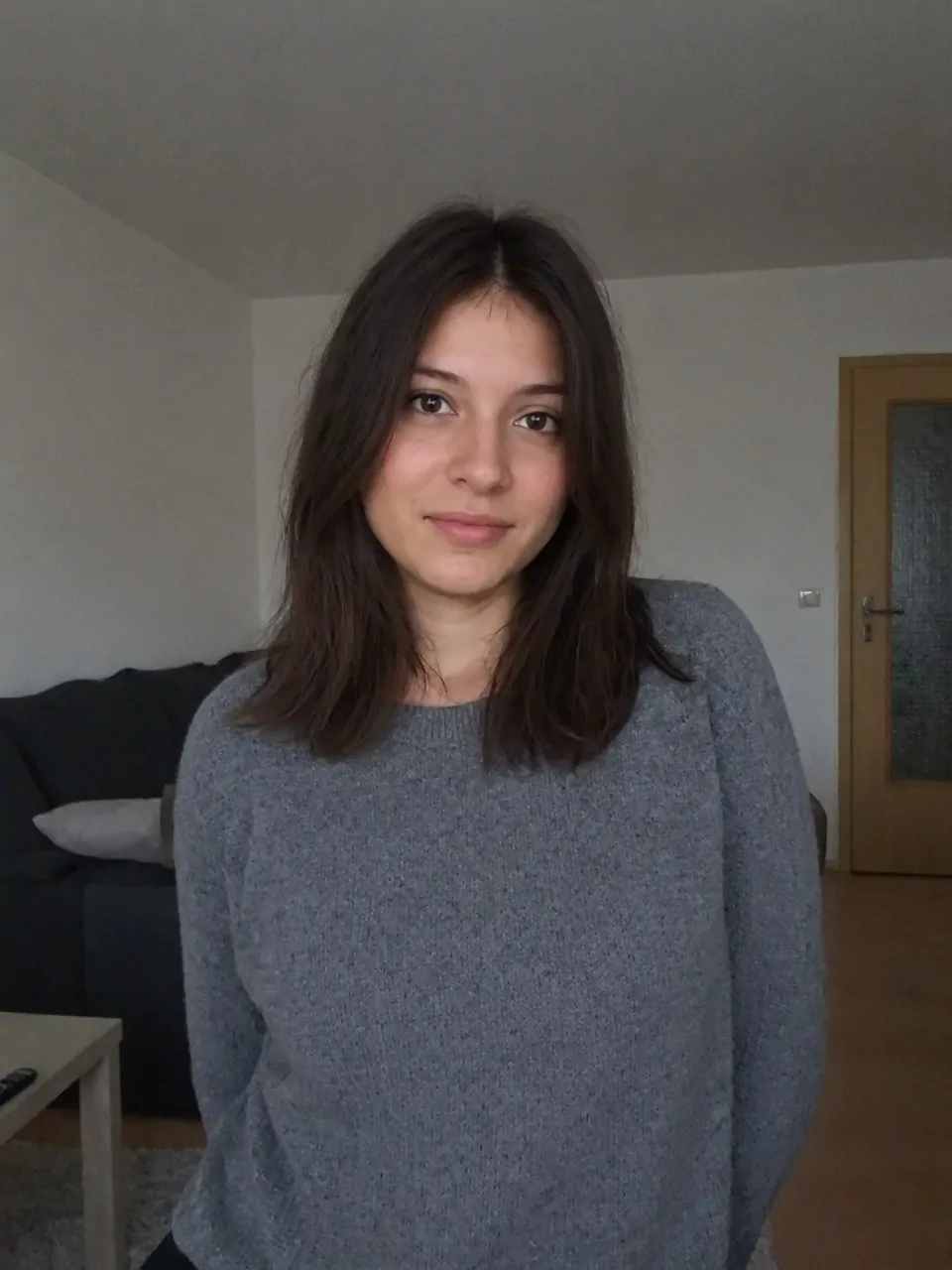
02Add your photo
Optional. Upload a clear, front-facing photo to star in the scene.
 03
03Generate and download
Review the credit cost before generating. Download your video when the task is complete.
Video Generation Credits and Pricing
Video credit costs depend on the model, duration, resolution and number of outputs. The generator shows the total before you submit. New accounts receive 20 trial credits; additional credits are available through subscriptions or one-time packs.
Updated
See pricing| Access | 20 trial credits on first login; subscriptions and one-time credit packs available |
|---|---|
| Sign-up | Email or Google account |
| Video length | Grok Video: 6–30 seconds; Grok Video 1.5: 1–15 seconds |
| Resolution | 480p / 720p video, up to 4K images |
| Formats | MP4 video, PNG and JPG images |
| Watermark | Paid users: no site watermark. Free generations include a watermark instruction. |
| Commercial use | Included on paid plans |
| Failed runs | Credits refunded automatically |
| Price | Credit packs from $199.90; annual plans from $8.30/month |
Made with the studio
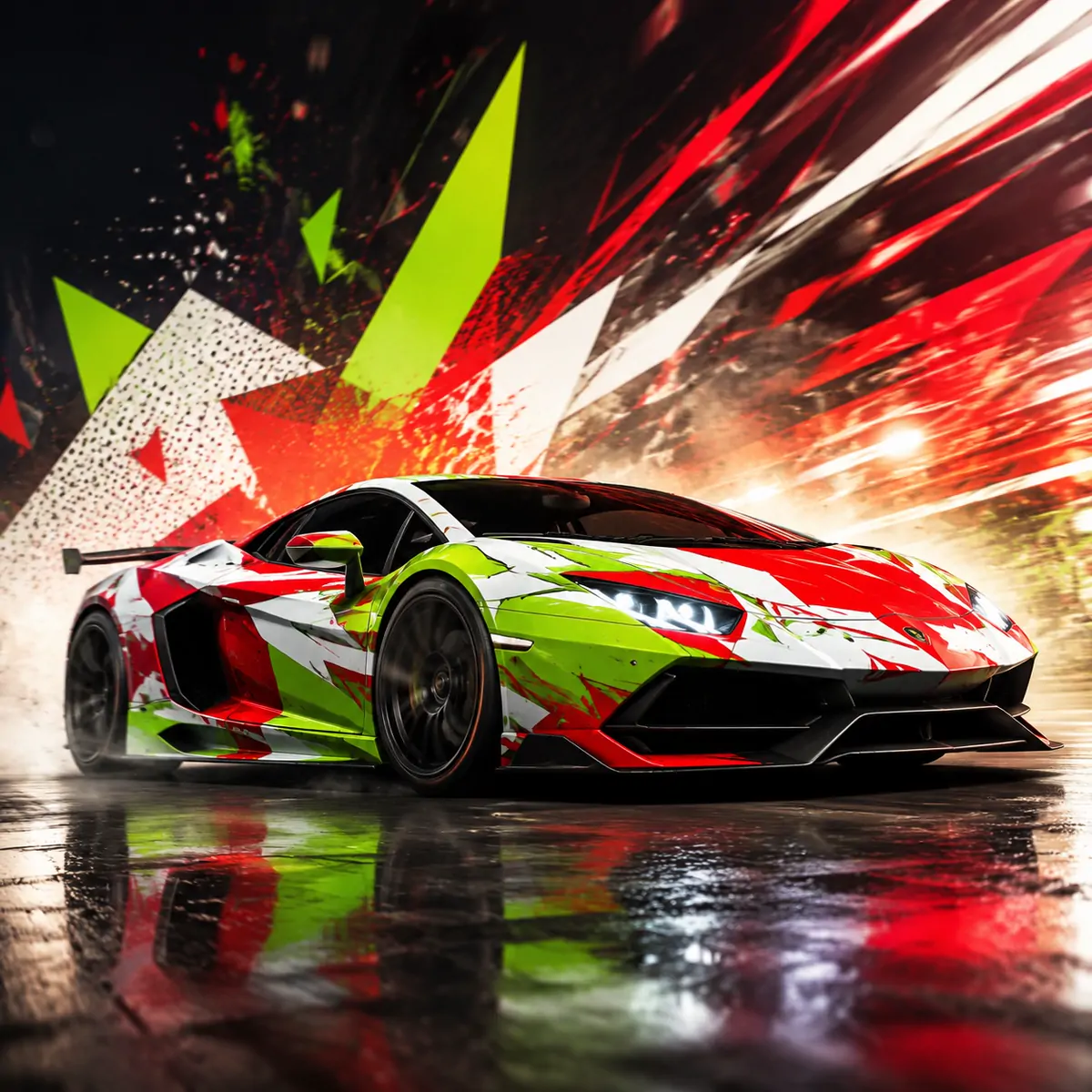
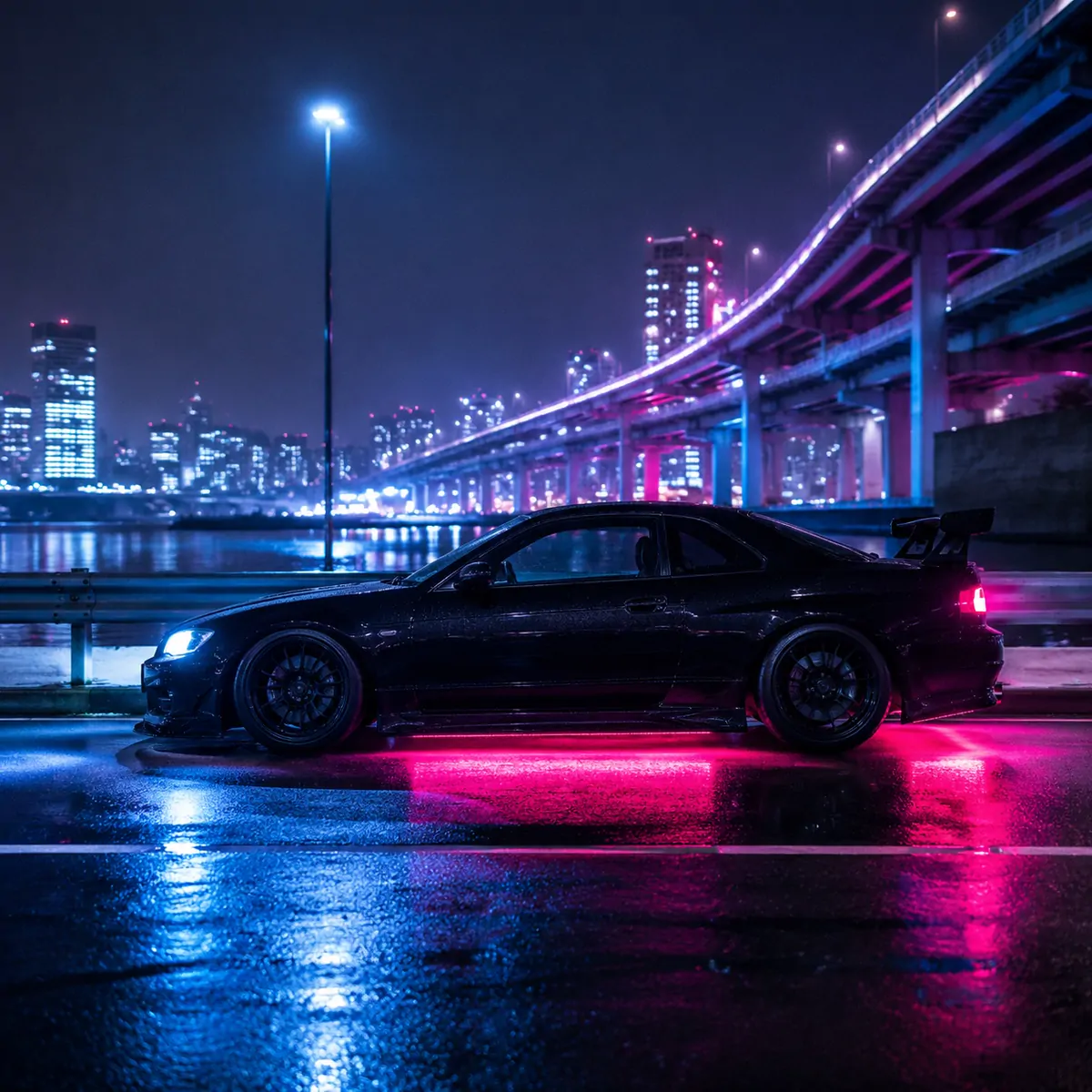
The prompt behind every result. Copy one and make it yours.
Grok Video Generator FAQ
Getting started, choosing a model, writing prompts and understanding credits.
Updated
01What can I create with Grok Video Generator?
Turn a written scene into a video with Grok Video, animate a reference image with Grok Video 1.5, or create a still image with Grok Image. Choose the tool that matches the material you have and the result you want.
02How do I make my first video?
Log in with Google or an email verification code. Select a video model, describe your scene, and add a reference image for Grok Video 1.5. Set the duration, resolution and aspect ratio, review the credit cost, then generate.
03Do I need an X account or an X subscription?
No. You log in directly to this website and use credits from your account here. An X subscription is not required to generate on this site.
04Which should I choose: Grok Video or Grok Video 1.5?
Choose Grok Video when you want to start with text alone. Choose Grok Video 1.5 when you have a reference image and want to describe how its subject or camera should move.
05What makes a useful video prompt?
Give the model one clear scene: who or what is in it, what moves, how the camera moves, and the lighting. For example: A red bicycle beside a rain-covered window, a slow camera push, soft morning light. Start simple and change one detail at a time.
06Which video settings are available?
Grok Video supports 6–30 seconds; Grok Video 1.5 supports 1–15 seconds. Video resolution options are 480p and 720p. The settings panel shows the available aspect ratios and output counts for your selected model.
07What reference images can I upload?
The upload field accepts JPG, PNG and WebP. Use a clear image with a distinct subject, then describe the movement you want. Upload only images you have permission to use.
08How much does generation cost? Can I try it first?
New accounts receive 20 trial credits on their first login. There is no free subscription plan. Grok Image costs 8 credits per image; video costs depend on the model, duration, resolution and output count. Check the displayed total before generating and visit Pricing when you need more credits.
09How long will I wait for a result?
The wait depends on the selected model, output settings and queue. Follow the task status after submitting; completion is not guaranteed within a fixed number of seconds.
10What happens if generation fails?
When a task is confirmed as failed, its credits are returned automatically. If it is still processing, wait for the final status before submitting the same request again.
Start Creating From One Prompt
Choose a plan, describe your idea and create your next video.
Start creating- Flexible plans
- No watermark on paid generations
- Credits shown upfront